CROWN & BRIDGE MANUFACTURING
Crown & Bridge Manufacturing for Dental Labs
For labs comparing dental crown manufacturers or a crown and bridge dental laboratory partner, SDS manufactures finished restorations after the approved CAD, material, shade, and case requirements are confirmed. Manufacturing workflows vary by material: zirconia restorations move through milling, sintering, and surface finishing; lithium disilicate uses crystallization; PFM combines framework fabrication, opaque ceramic, porcelain layering, and firing; dental PMMA follows milling and polishing; and metal restorations follow the confirmed alloy workflow. Final checks cover fit, contacts, occlusion, contour, shade, surface condition, and lab-specific instructions.
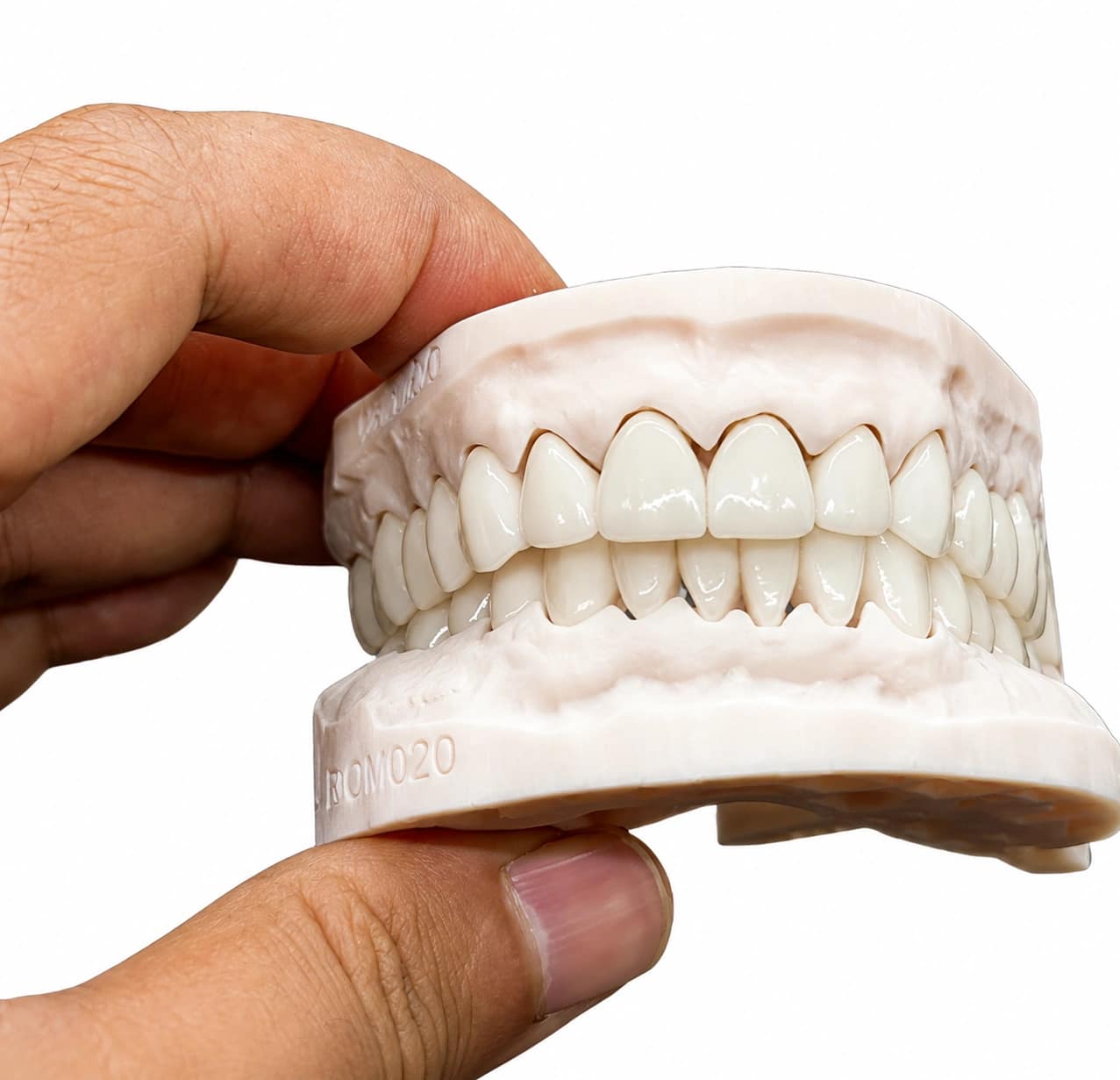
Full Zirconia Crown
Monolithic zirconia crown and full zirconia crown restorations are milled from the approved CAD design and completed through the workflow specified for the selected zirconia material. After sintering, contour refinement, polishing, and optional characterization, fit, contacts, occlusion, and surface condition are checked. Layered zirconia and multilayer zirconia cases retain separate veneering or characterization requirements.
View Full Zirconia Crown >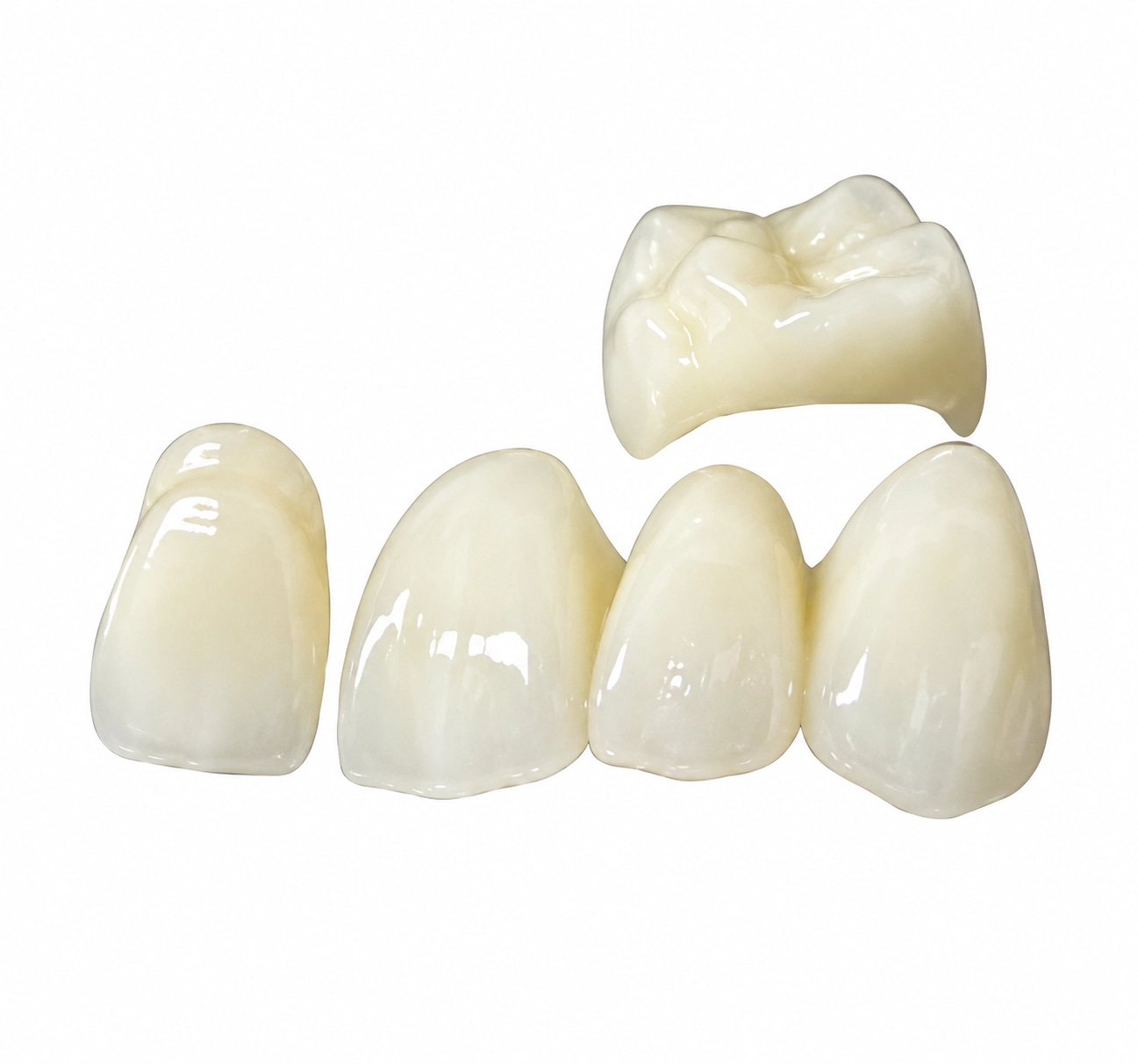
Zirconia Bridge
Full-contour zirconia bridge and other zirconia restorations are produced with case-specific review of span, connector geometry, pontic contour, material requirements, fit, contacts, and occlusion. Connector dimensions and bridge span are checked together with the selected zirconia material because structural requirements vary by material and indication.
View Zirconia Bridge >
PFM Crown
PFM crown manufacturing can also support PFM bridge and porcelain fused to metal bridge cases. Porcelain fused to metal crown materials combine a metal coping or framework with a compatible ceramic system, so production coordinates framework support, metal masking or opaque ceramic, porcelain layering, firing, contour refinement, shade development, and final fit.
View PFM Options >
PMMA Bridge
Dental PMMA bridges are milled for temporary, provisional, or trial restorations, then finished and polished according to the approved CAD design, contour, contacts, occlusion, shade, and case requirements. PMMA remains a provisional-material workflow rather than being treated as a definitive ceramic restoration.
View PMMA Bridge Options >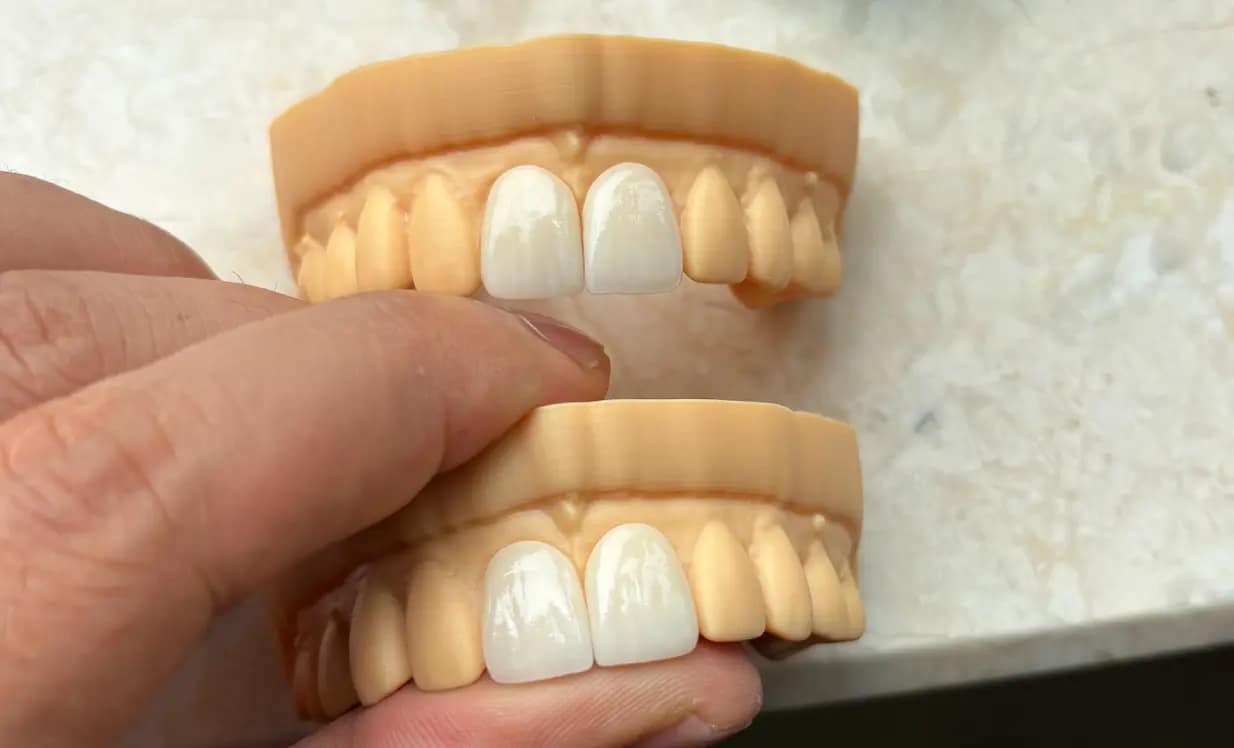
Veneer
Ceramic veneer manufacturing, including E.max veneers when specified, is planned around restoration thickness, preparation shade, translucency, facial contour, incisal form, surface texture, and finishing requirements. CAD/CAM veneers are finished according to the selected ceramic workflow rather than one universal veneer process.
View Veneer >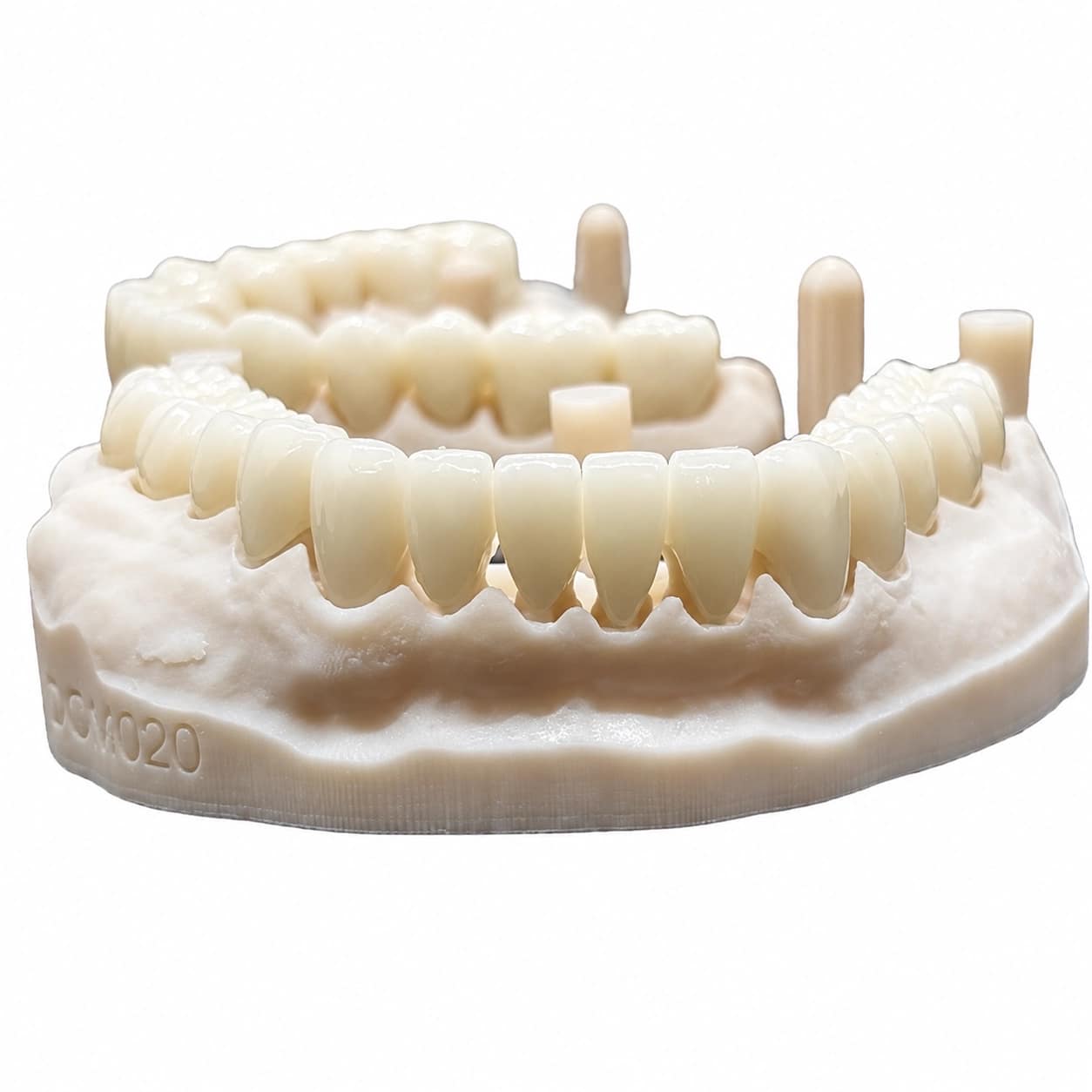
E.max Crown
IPS e.max crown restorations follow a lithium disilicate workflow with material-specific thickness, translucency planning, crystallization, stain-and-glaze or polishing, and final fit and contact checks. Crystallization is kept distinct from zirconia sintering when production steps are planned.
View E.max Crown >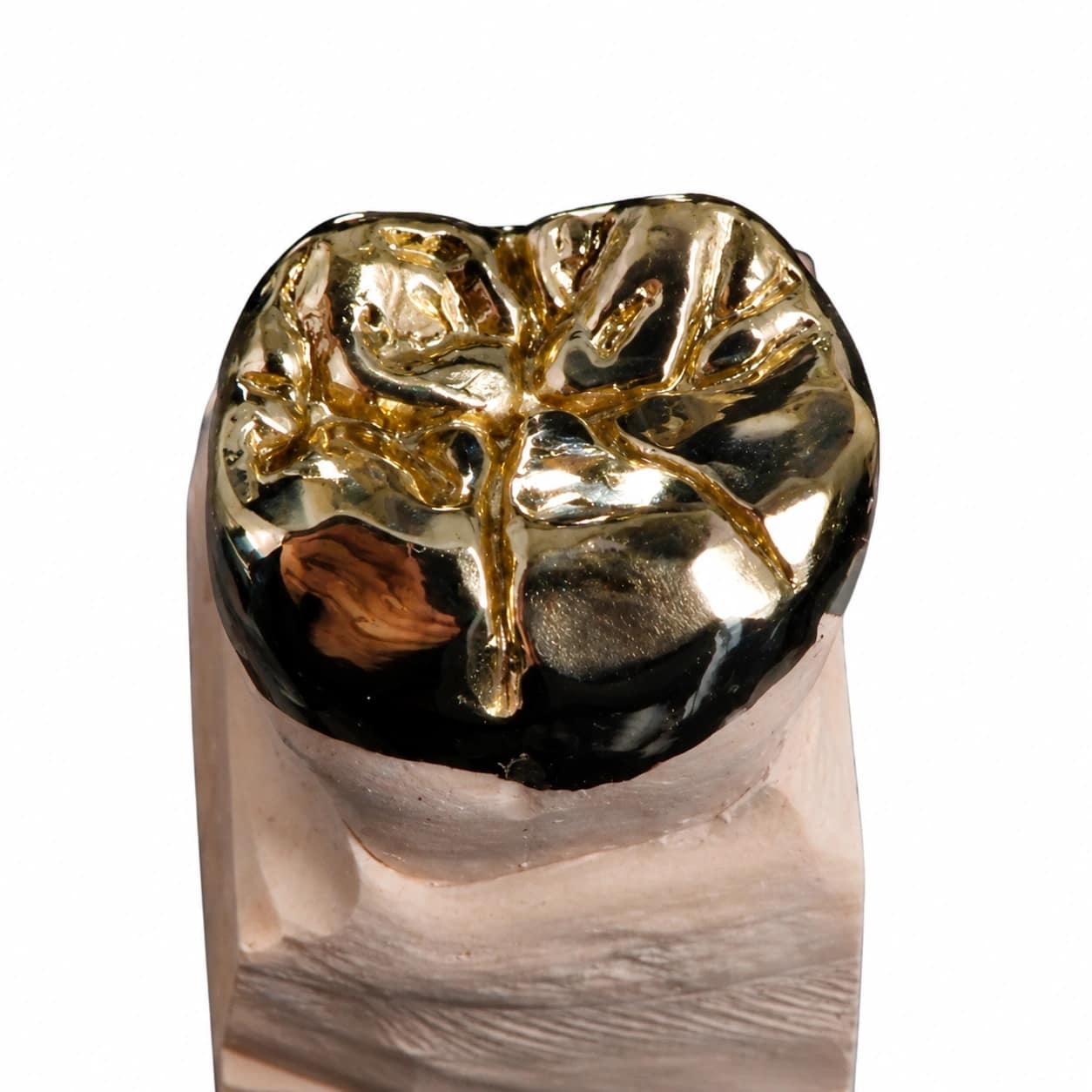
Full Metal Crown
Metal dental crowns and full cast crown restorations are produced from the alloy specified for the case, with attention to material thickness, functional anatomy, margins, contacts, occlusion, polishing, and final inspection. Alloy composition remains case-specific rather than being generalized across all metal restorations.
View Full Metal Crown >
Inlay / Onlay
Ceramic inlays and ceramic onlays are produced as partial-coverage restorations with attention to internal fit, margins, proximal contacts, occlusal anatomy, material thickness, surface finish, and the approved onlay design before final inspection.
View Inlay / Onlay Options >CROWN & BRIDGE CAD DESIGN
Crown & Bridge CAD Design Services for Dental Labs
Send SDS digital scans and case instructions for crown and bridge design. Our dental ceramic design workflow reviews margins, contacts, occlusion, preparation space, occlusal clearance, connector geometry, coping support, and material-specific thickness. For a CAD/CAM bridge, review also covers dental pontic design, span, connector dimensions, and tissue-facing contour. Bridge design in fixed prosthodontics is applied to the individual digital case rather than reduced to one generic bridge template. Files can be returned to your dental crown laboratory or transferred directly into SDS manufacturing.

Full Zirconia Crown CAD Design
Full zirconia crown and monolithic zirconia crown CAD design is reviewed for preparation space, margins, contacts, anatomy, occlusion, and material-specific thickness. Full-contour zirconia crown cases remain production-ready, while layered zirconia or multilayer zirconia workflows reserve separate space for veneering or characterization when required.
View Full Zirconia Crown >
Zirconia Bridge CAD Design
For a dental lab zirconia bridge or full-contour zirconia bridge, design review covers span, connector geometry, dental pontic design, contacts, margins, occlusion, and material requirements. Connector dimensions and pontic contour are reviewed with the selected zirconia material; the best pontic design for posterior bridge cases is determined from prescription, span, and tissue-contact requirements rather than one default pontic form.
View Zirconia Bridge >
PFM Crown CAD Design
PFM crown and porcelain fused to metal crown CAD design begins with the metal coping or framework and the space required for supported porcelain. Coping thickness, PFM pontic form, finish line, contacts, anatomy, and occlusal clearance are reviewed for crown, PFM bridge, and porcelain fused to metal bridge cases.
View PFM CAD Options >
PMMA Bridge CAD Design
Dental PMMA bridge CAD design is used for temporary, provisional, and trial restorations, with review of restorative space, pontic form, material thickness, contacts, contour, fit, and occlusion. PMMA remains within a provisional workflow instead of being designed as a definitive ceramic restoration.
View PMMA CAD Options >
Veneer CAD Design
Ceramic veneer and CAD/CAM veneers are designed around preparation space, margin placement, facial contour, symmetry, incisal design, surface anatomy, and smile-line requirements. The veneer geometry stays linked to the available restorative space rather than being treated as one generic facial shell.
View Veneer >
E.max Crown CAD Design
IPS e.max crown CAD design is treated as a lithium disilicate workflow rather than zirconia. Preparation space, margins, contacts, occlusion, restoration thickness, contour, and planned translucency or masking requirements are reviewed together because final optical behavior depends on more than shade alone.
View E.max Crown >
Full Metal Crown CAD Design
Metal dental crowns and full cast crown designs are reviewed for alloy-specific space, functional anatomy, margins, proximal contacts, occlusal clearance, and production-ready geometry. The exact alloy remains case-specific instead of assigning one composition to every metal restoration.
View Full Metal Crown >
Inlay / Onlay CAD Design
Ceramic inlays and ceramic onlays are designed as partial-coverage restorations with review of preparation geometry, internal fit, margins, proximal contacts, occlusal anatomy, material thickness, and case-specific onlay design requirements.
View Inlay / Onlay CAD Options >Digital Workflow
From Scan Files to Production-Ready Restorations
SDS helps dental labs move crown and bridge cases from scan file review to CAD design, quality check, production preparation, delivery coordination, and adjustment support.
Send scan data
Send STL files, scan files, bite records, shade information, restoration type, and lab-specific case instructions.
Case review & CAD design
SDS reviews case details and designs crowns, bridges, veneers, inlays, onlays, and other fixed restorations based on your workflow.
Design QC & production preparation
Margin, contact, anatomy, connector design, pontic shape, and occlusion are checked before file delivery or production.
Delivery & remake support
SDS supports production-ready file delivery, production coordination, case tracking, feedback review, and remake or adjustment communication when needed.
