IMPLANT RESTORATION MANUFACTURING
Finished Implant Restorations for Dental Labs
SDS supports dental implant labs that need finished implant restorations after the CAD, implant connection, component, and material requirements are confirmed. Manufacturing for screw retained restorations focuses on interface seating, screw access, restorative fit, surface finishing, and final inspection. Custom fabricated abutment cases and multi unit abutments are checked against the approved component system before production continues, so manufacturing follows the same connection and restorative requirements confirmed during design.
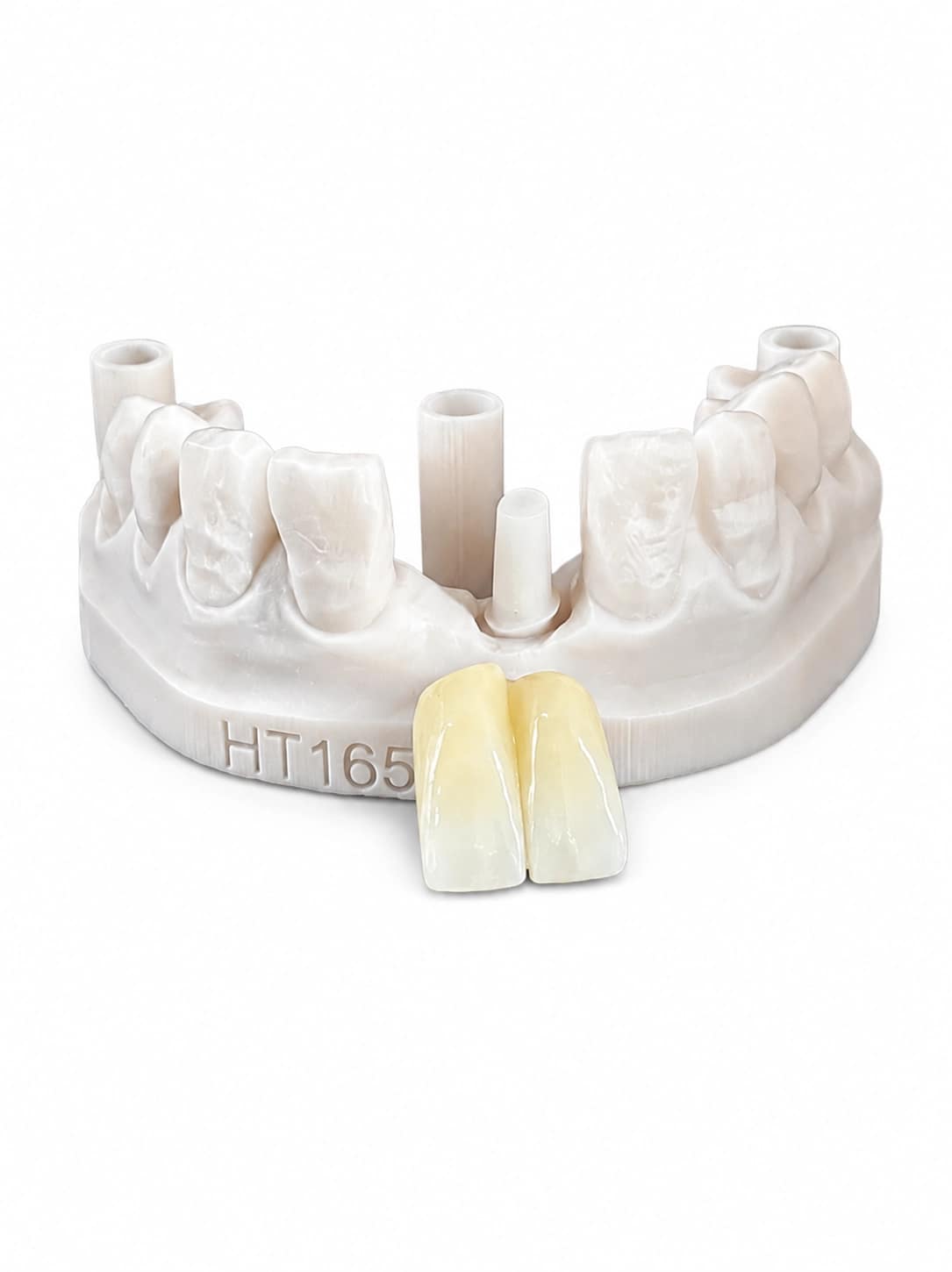
Screw-Retained Implant Crown
Finished screw retained implant crown restorations are produced to the confirmed implant connection and approved CAD. Production checks focus on seating, screw access, emergence contour, proximal contacts, occlusion, material finish, and final quality control before the restoration is returned to the dental lab.
View Screw-Retained Implant Crown >
Implant Bridge
Implant bridge production follows the approved multi-unit design, with checks for component interfaces, framework and connector integrity, fit across implant positions, occlusion, restorative contour, and surface finishing. When multi unit implant abutments are part of the case, they are matched to the specified restorative platform and confirmed component information before production.
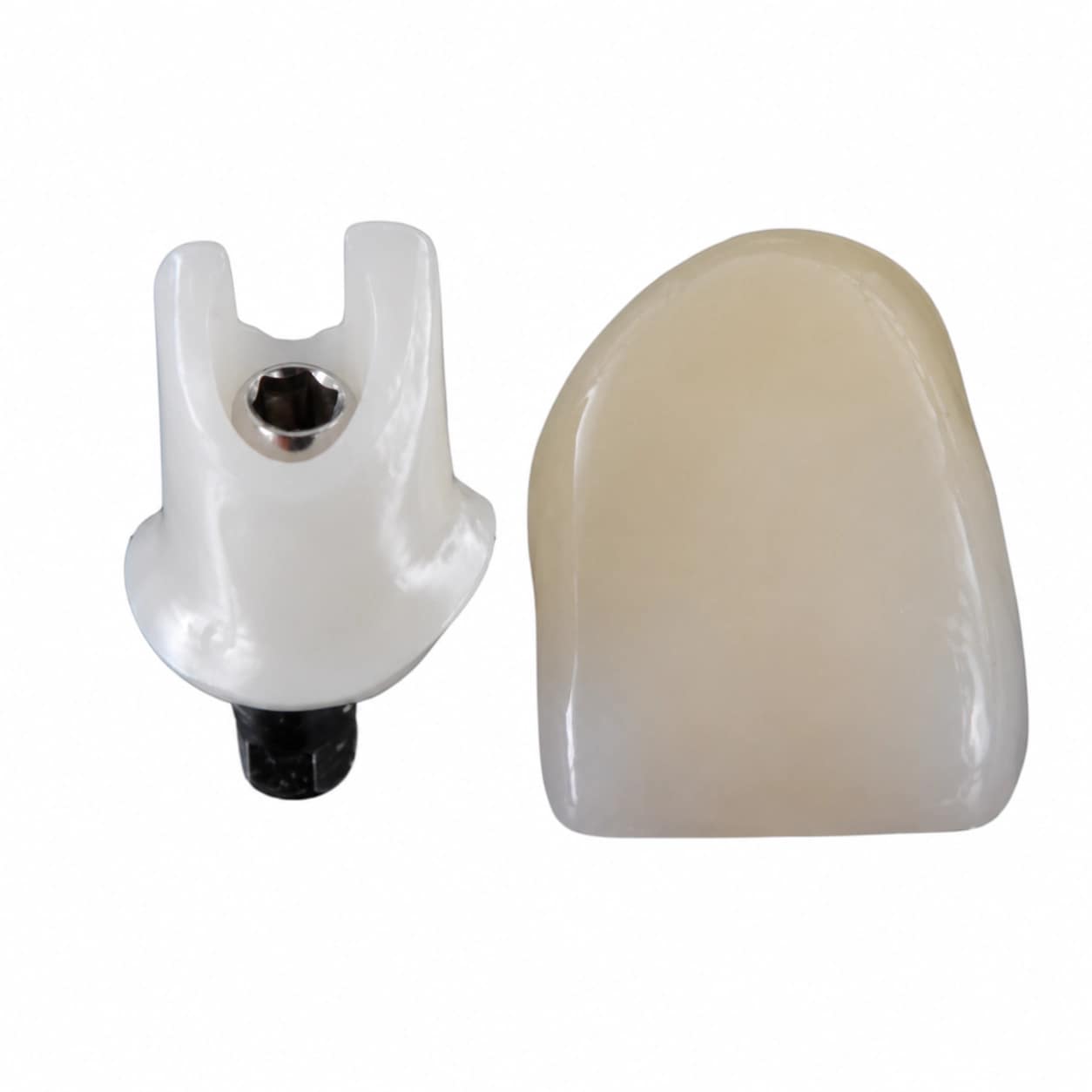
Custom Abutment
For custom abutment implant cases, SDS carries the approved implant connection, margin position, emergence profile, restorative space, and crown-support requirements into production. Each implant custom abutment is checked against the confirmed component system before fit verification, surface finishing, and final inspection. The same workflow supports custom abutments for implants when compatible system and component data are supplied.
View Custom Abutment >IMPLANT CAD DESIGN
Dental Implant CAD Design Services for Dental Labs
Send SDS scanbody data, implant system details, component-library information and, where conventional records are used, dental impression coping or implant coping impression data. Our implant laboratory reviews connection type, restorative space, emergence profile and emergence angle, screw-channel position, tissue contour, material thickness, contacts, and occlusion before file release. This supports screw retained restorations, custom abutment design, and CAD/CAM abutment workflows without treating every implant case as the same design. When comparing a screw retained vs cement retained implant approach, implant angulation, screw-access position, restorative space, and abutment geometry are reviewed rather than assuming one option is always better.

Screw-Retained Implant Crown CAD Design
Single-unit screw retained crown design is built around the confirmed implant interface and component library. Screw access is incorporated into the restorative geometry, while emergence profile, proximal contacts, material thickness, crown contour, and functional occlusion are reviewed before the screw retained implant crown file is released.
View Screw-Retained Implant Crown >
Implant Bridge CAD Design
For a screw retained implant bridge, SDS reviews implant positions, restorative space, framework geometry, connector dimensions, component compatibility, tissue contour, screw access, and occlusion across the span. For labs comparing the best materials for durable implant-supported bridges, material selection is reviewed together with span, framework design, and the approved production method rather than treated as a stand-alone choice.

Custom Abutment CAD Design
A dental custom abutment is shaped around the implant position and planned crown instead of relying on one stock abutment or prefabricated abutment form. Custom abutment design coordinates margin position, emergence profile, gingival contour, restorative space, crown support, angulation, and insertion path. The final CAD/CAM abutment is prepared against the confirmed implant connection and component library.
View Custom Abutment >Digital Workflow
From Implant Scan Files to Production-Ready Restorations
SDS helps dental labs move dental implant cases from scan file review to CAD design, quality check, production preparation, delivery coordination, and adjustment support.
Send Implant Case Data
Send STL / intraoral scan data, scanbody information, dental implant system details, bite, shade and restoration instructions. Conventional records can also include impression coping implant data or other implant coping references that need to be identified before CAD begins.
Case Review & Implant CAD Design
Case review confirms the implant system, connection and library. When physical records are supplied, the implant analog vs impression coping relationship is checked so digital and conventional references are interpreted consistently. A multi unit abutment impression is reviewed against the planned restorative platform before multi-unit CAD begins.
Design QC & Production Preparation
Check component compatibility, restorative space, emergence profile / emergence angle, screw access, contacts, occlusion, abutment margin, crown support, material requirements and final delivery format before file release or production.
Delivery & Case Routing
Return production-ready files or finished restorations according to the confirmed workflow. Cases that are better categorized as an implant bar overdenture or another full-arch / removable restoration should route to the appropriate SDS workflow rather than being treated as a single-unit implant case.
